DaisyDisk vs CleanMyMac X: Which Mac Cleaner is Worth It in 2026?
The Dusty Team
Mac storage guides
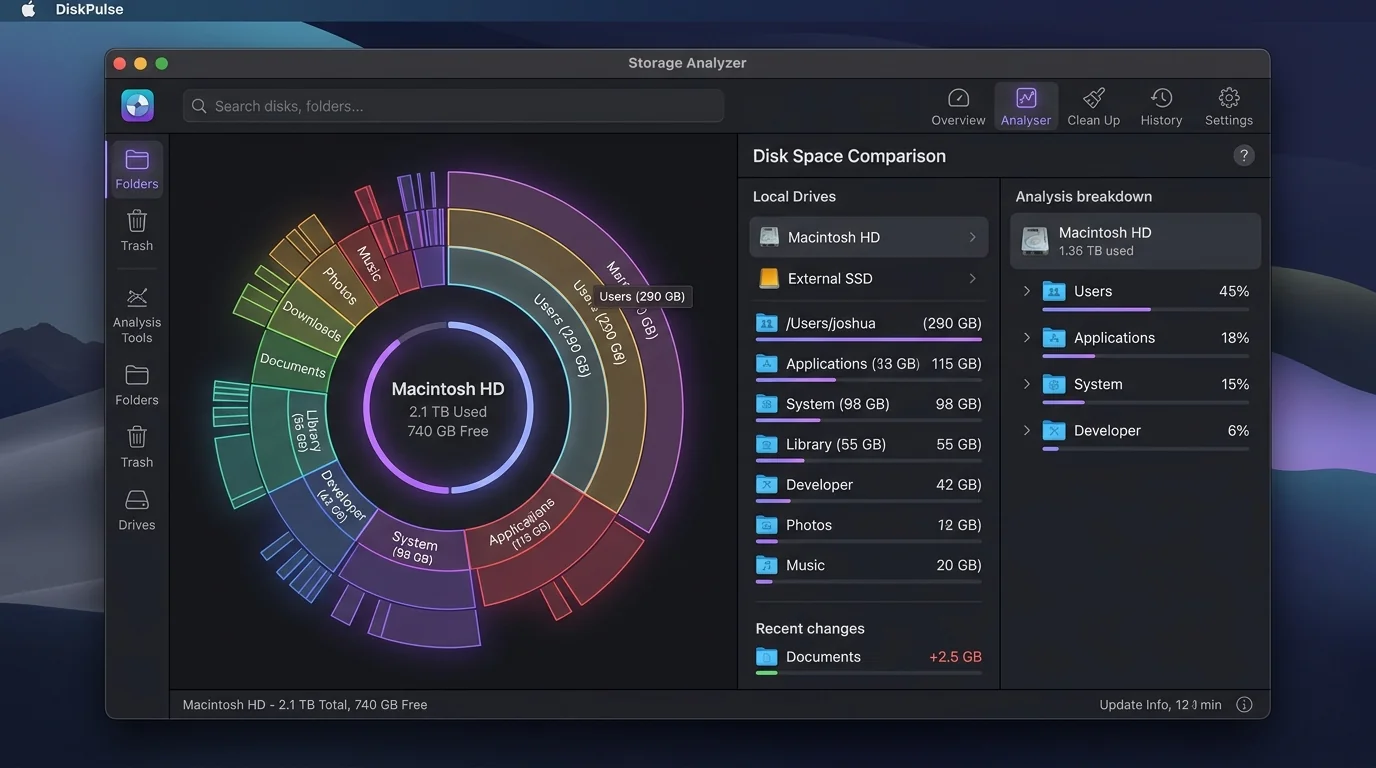
When your Mac runs out of storage and displays the dreaded "Your disk is almost full" alert, two popular tools dominate Mac utility discussions: DaisyDisk and CleanMyMac X.
While both apps aim to free up disk space, they take radically different approaches. DaisyDisk relies on visual exploration of files, whereas CleanMyMac X offers an automated maintenance suite. In this guide, we break down their key differences, pricing models, safety records, developer support, and explain how modern AI tools like Dusty are reshaping Mac disk management.
table_chart DaisyDisk vs CleanMyMac X vs Dusty: Quick Breakdown
| Feature | DaisyDisk | CleanMyMac X | Dusty (AI Cleaner) |
|---|---|---|---|
| Core Approach | Interactive visual sunburst map | Automated cleaning & system utility | AI contextual risk classification |
| Pricing Model | $9.99 flat / one-time | $39.95/yr or $89.95 one-time | $7.99 Launch ($9.99 Lifetime) |
| AI Explanations | ❌ No AI insights | ❌ Generic categorization | ✅ Gemini AI explains why files are safe |
| Developer Cache Protection | Manual selection required | Basic system cache cleanup | ✅ Detects node_modules, vendor, Xcode & Next.js |
| WhatsApp Media Cleanup | Must search hidden path manually | Generic user cache search | ✅ Purges media, preserves ChatStorage.sqlite |
| Safety First (Trash-Only) | Moves to Trash / Direct delete | Direct permanent removal options | ✅ Moves to Trash first with full undo safety |
donut_large 1. DaisyDisk: The Visualizer’s Choice
DaisyDisk has been a macOS favorite for over a decade. Its main attraction is its stunning sunburst visualizer, which converts your drive into an interactive color-coded disk map. You can click through concentric rings representing folders to instantly spot multi-gigabyte files.
Pros of DaisyDisk
- Blazing fast disk scan speed
- Beautiful visual hierarchy of large files
- One-time reasonable purchase price ($9.99)
- No persistent background daemons
Cons of DaisyDisk
- Doesn't explain if a file is safe or dangerous to delete
- Manual work required to evaluate obscure system caches
- No special awareness of developer dependencies or WhatsApp data
cleaning_services 2. CleanMyMac X: The All-in-One Utility Suite
CleanMyMac X is built for users who prefer single-click automation. Beyond disk scanning, it packages malware scanning, app uninstallation, RAM optimization, and system junk cleanup into a polished dashboard interface.
Pros of CleanMyMac X
- Comprehensive single-button "Smart Scan"
- Includes app uninstaller and malware protection
- Polished UI animations and system alerts
Cons of CleanMyMac X
- Expensive annual subscription ($39.95/yr)
- Can run intrusive background menu bar monitors
- Purges items aggressively without detailed context on file contents
psychology 3. Why Traditional Cleaners Fail Modern Mac Users
Today's Mac users are not just storing photos and movies. Modern disk clutter consists of complex items:
-
folder_zip
Rebuildable Developer Projects: Folders like
node_modules, Composervendor,.next, and Xcode DerivedData take 50GB–100GB. Standard tools often treat them as ordinary system files or ignore them completely. -
chat
Chat Application Caches: WhatsApp Desktop caches every received image and voice note in hidden sandbox directories. Deleting the wrong SQLite database (
ChatStorage.sqlite) destroys chat history, whereas purging media folders is completely safe.
auto_awesome Enter Dusty: AI-Powered Context Before Cleanup
Dusty was created with a clear philosophy: "Other cleaners find big files. Dusty understands what they are."
Dusty uses local metadata analysis and Google Gemini to explain in plain English why a folder is safe or rebuildable.
Dusty never permanently deletes files immediately. Everything goes to macOS Trash first so you can restore anything with one click.
Dusty only evaluates non-sensitive file paths, sizes, and categories. Your private file contents are never uploaded anywhere.
verified The Verdict: Which Tool Should You Choose?
- Choose DaisyDisk if you enjoy manually browsing visual disk treemaps to locate forgotten video archives and large downloads.
- Choose CleanMyMac X if you want an all-in-one suite with malware scanning and system tools, and don't mind a higher annual cost.
- Choose Dusty if you want a lightweight, modern cleaner that understands developer code bases, WhatsApp media, and provides intelligent AI safety explanations for just $7.99 Launch ($9.99 Lifetime).
Reclaim Storage Instantly with Dusty
Stop hunting through hidden Library folders. Let Dusty's AI safely analyze and clean your Mac storage in minutes.