You're all set! 🎉
Your Dusty subscription is active. Download the app and start your first scan.
💡 Save this key — you'll need it to activate Dusty on this or any other Mac.
lock Subscription verified before every download · Code signed · Homebrew tap verified
Enter the license key from your purchase email to get your secure download link.
Installation Steps
Unzip & Open
Double-click the downloaded file. If macOS warns you, right-click → Open.
Install App
Drag the Dusty icon into your Applications folder to finalise installation.
Activate
Open Dusty, paste your license key when prompted, and grant Full Disk Access.
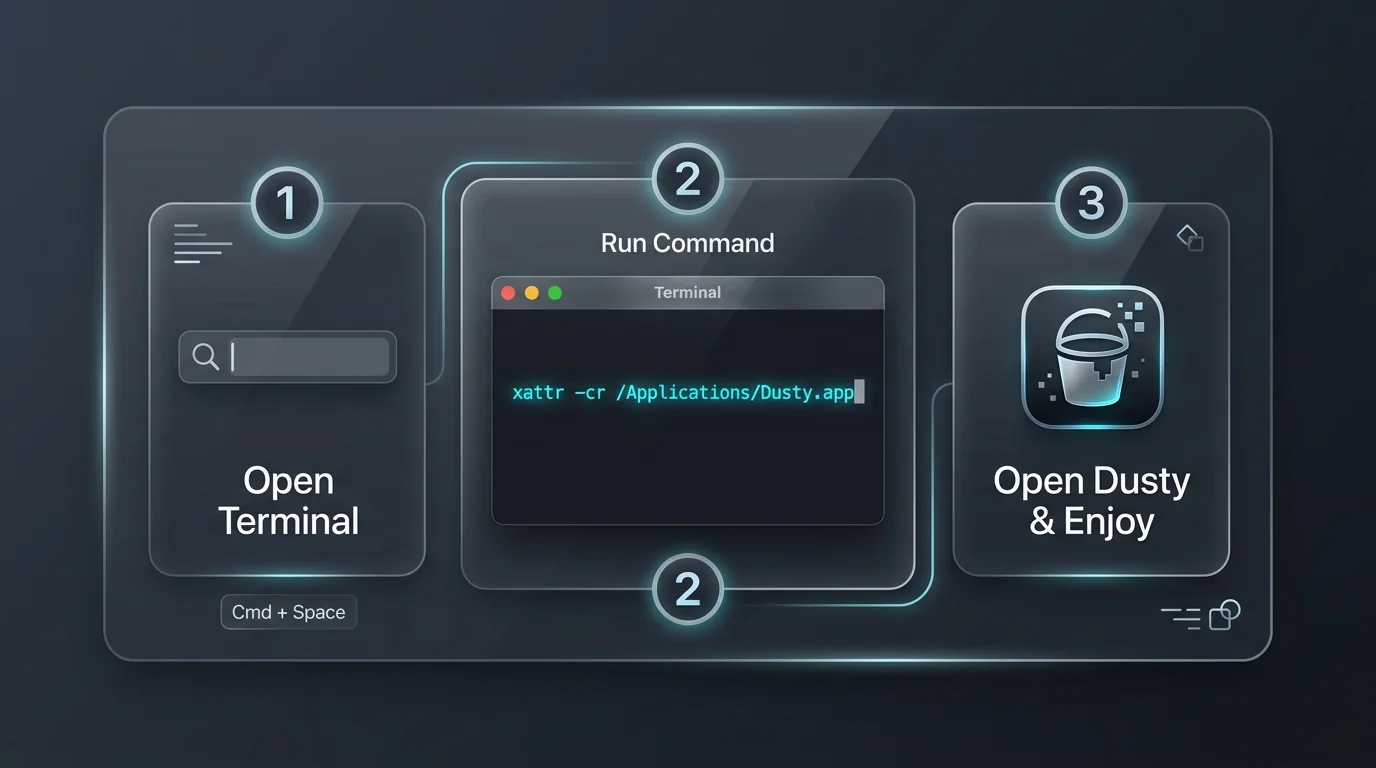
Because Dusty is downloaded directly, run this quick 1-line command in Terminal after dragging Dusty to your Applications folder:
brew install theappcenter/tap/dusty
Need help? Email us at info@dustystorage.com — we reply within 24 hours.