How to Clean Xcode DerivedData and Simulator Caches on Mac
The Dusty Team
Mac storage guides
format_list_bulleted Quick Navigation (Table of Contents)
Every iOS, macOS, and visionOS developer knows the feeling: Xcode is running smoothly until your Mac suddenly halts with a low disk warning. Xcode is one of the most aggressive caching applications in macOS, routinely consuming between 25GB and 60GB of SSD space across DerivedData, old simulator device runtimes, and legacy iOS DeviceSupport archives. Here is how to safely purge them without breaking your build environment.
folder_special 1. What is DerivedData and Where Does It Hide?
When you build an app, Xcode stores intermediate build objects, module caches, indexing databases, and log files inside:
Is DerivedData safe to delete? YES, 100% SAFE. DerivedData contains zero source code. Deleting it forces Xcode to perform a clean rebuild from scratch on your next compile, which frequently resolves mysterious compiler bugs and indexing glitches.
data_usage 2. Other Xcode Storage Hogs: Simulators & DeviceSupport
DerivedData is only the tip of the iceberg. Apple tools leave large caches in three other locations:
- •CoreSimulator Devices (
~/Library/Developer/CoreSimulator/Devices): Each simulated iPhone/iPad creates a dedicated sandboxed container. Old iOS runtimes accumulate 10GB–30GB. - •iOS DeviceSupport (
~/Library/Developer/Xcode/iOS DeviceSupport): Symbol files from every physical iPhone or iPad ever plugged into your Mac (2GB–4GB per iOS version). - •Archives (
~/Library/Developer/Xcode/Archives): Historical App Store release builds (.xcarchive).
Purge DerivedData & Simulator Bloat in 1 Click
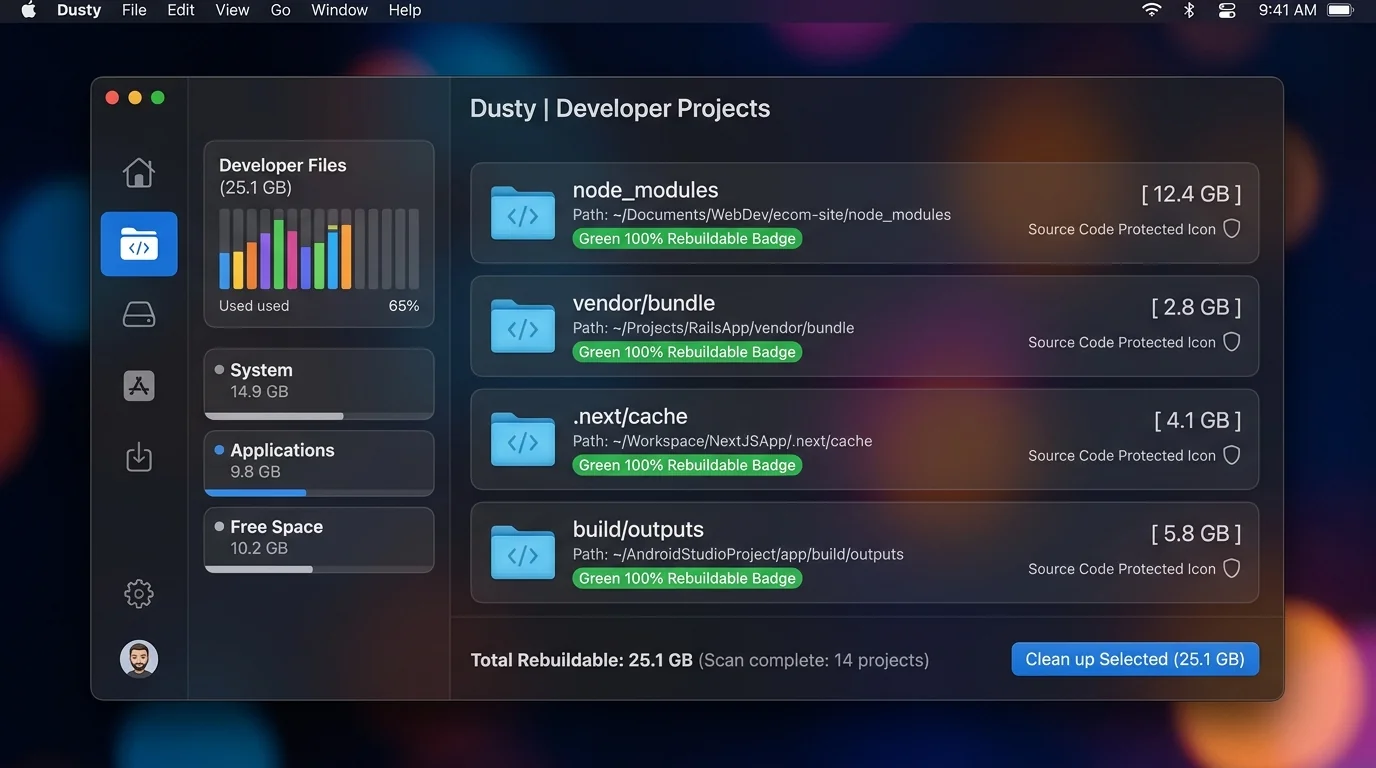
Dusty scans your Developer directories, detects stale build caches, and safely purges 30 GB – 80 GB+ without touching your active project checkouts.
brew install theappcenter/tap/dusty
terminal 3. Step-by-Step Terminal Clean Guide
Run these commands in Terminal to clean Xcode build caches safely:
rm -rf ~/Library/Developer/Xcode/DerivedData/*
xcrun simctl delete unavailable
rm -rf ~/Library/Developer/Xcode/iOS\ DeviceSupport/*
rm -rf ~/Library/Caches/org.swift.swiftpm
compare 4. DevCleaner for Xcode vs. Dusty
DevCleaner for Xcode is a popular open-source tool dedicated to iOS developers. However, modern developers work across multiple stacks—building React Native front-ends, Docker backend containers, and Swift apps simultaneously. While DevCleaner only sees Xcode, Dusty's Developer Deep-Sweep scans node_modules, Docker caches, and Xcode simultaneously with AI safety explanations.
auto_awesome 5. Automated Maintenance with Dusty
Dusty eliminates the need for manual terminal commands by auto-detecting dormant Xcode projects and bloated simulator runtimes. Every deletion is moved to macOS Trash first, ensuring you never lose active project archives accidentally.
Reclaim Storage Instantly with Dusty
Stop hunting through hidden Library folders. Let Dusty's AI safely analyze and clean your Mac storage in minutes.